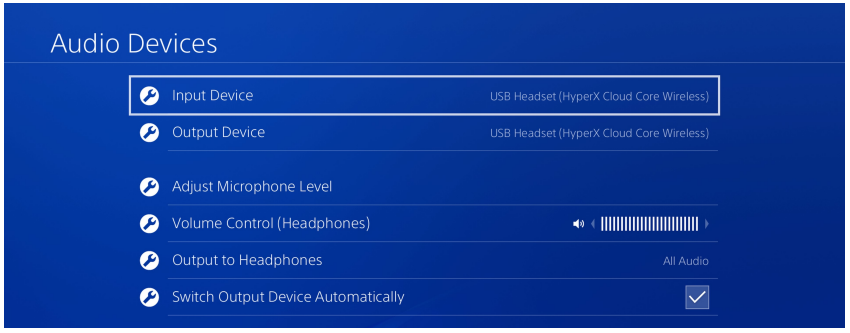
Thiết lập Cloud Core Wireless DTS cho PlayStation 4
Updated
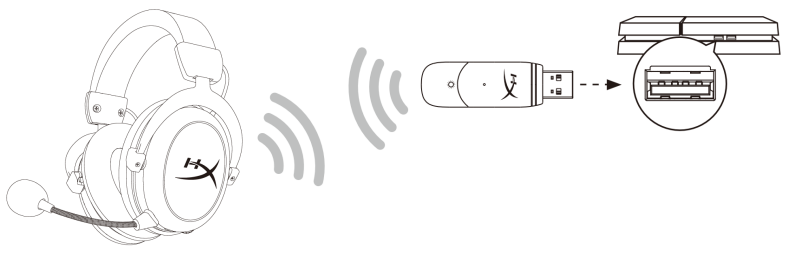
1. Chọn Thiết bị đầu vào là Tai nghe USB (HyperX Cloud Core Wireless)
2. Chọn Thiết bị đầu ra là Tai nghe USB (HyperX Cloud Core Wireless)
3. Đặt đầu ra thành Tai nghe cho tất cả âm thanh
4. Đặt âm lượng (tai nghe) ở mức tối đa.